


Quotes, Variations and Payments
Quote from your own price list, keep a record of every variation, and know what you owe each subcontractor.
Track client payment milestones next to the work on each job. OpSpot tracks payments; it doesn't take them.

Build Quotes from Your Own Price List
Set up your services once, with units, costs and a default margin. Build each scope of works room by room, then generate a branded, numbered quote as a PDF.
Every version is kept, and editing your price list never changes a quote you've already sent.


Keep a Record of Every Variation
When the client changes their mind, update the scope and generate a new version.
Compare two versions and download a variation PDF showing what was added, removed and changed, zone by zone. When the client signs, mark the quote as final and attach the signed copy.
Know What You Owe Each Subcontractor
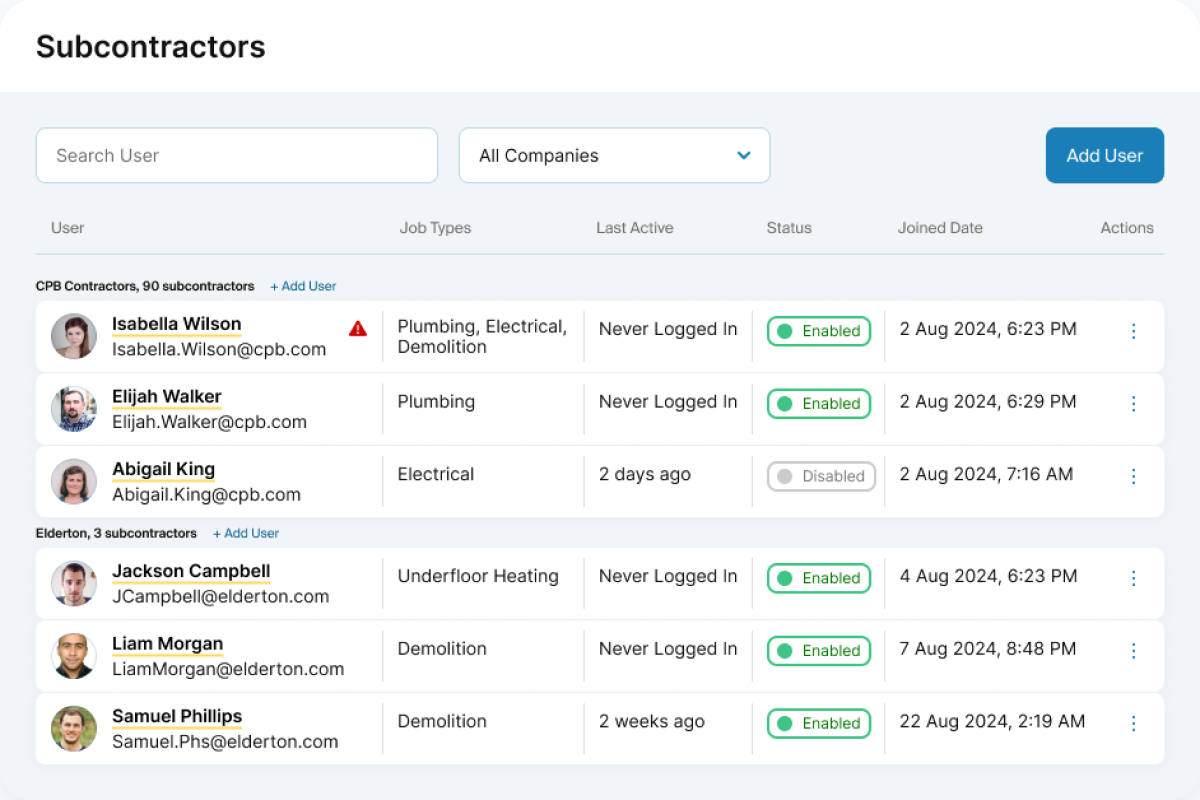
Send work orders built from your quoted labour lines. Subcontractors see your cost, never your sell price or margin.
Completed lines land in Subcontractor Payments at the agreed cost, ready to approve or reject line by line, so you can check each invoice against the work.
Track Client Payments Against the Work
The Payment Scheduler shows each job's bookings next to its payment milestones, such as the deposit and progress payments.
Mark each one as expected, invoiced or paid, so the office can see what's due and where each job is up to.
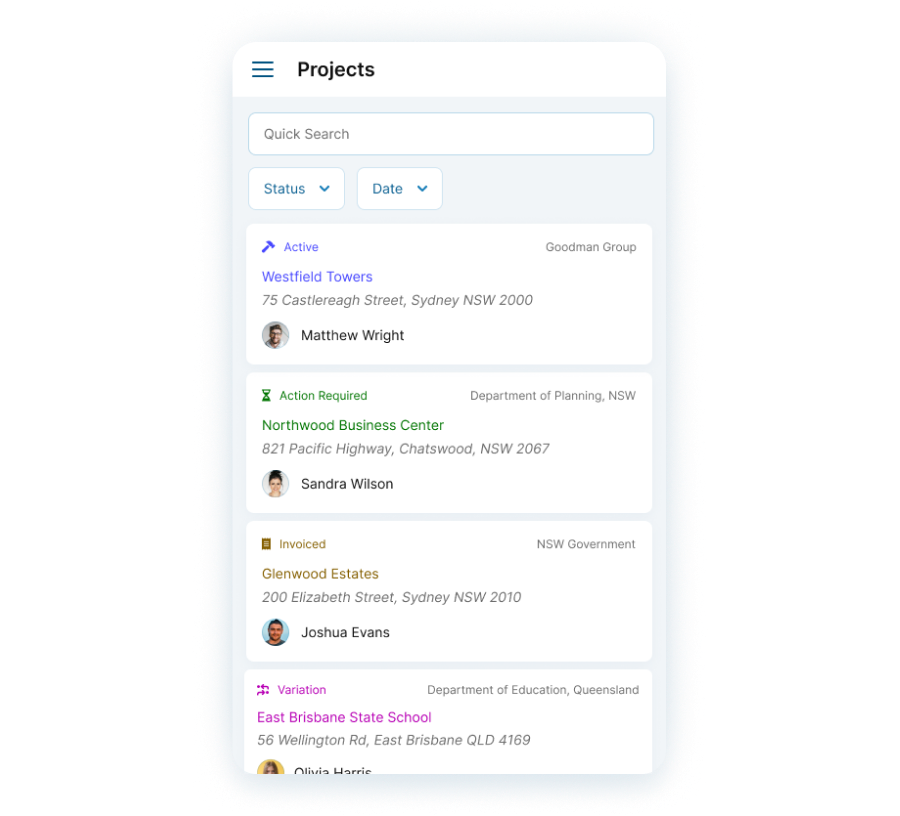
Stay on Top of Your Jobs with Status Tracking
Gain control over your job pipeline with OpSpot's status tracking.
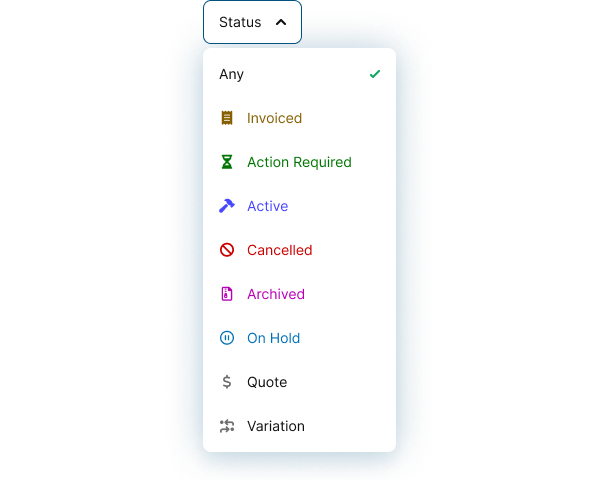
Sort jobs into statuses such as invoiced, action required and active, so every job is accounted for.
Follow Up on Every Quote
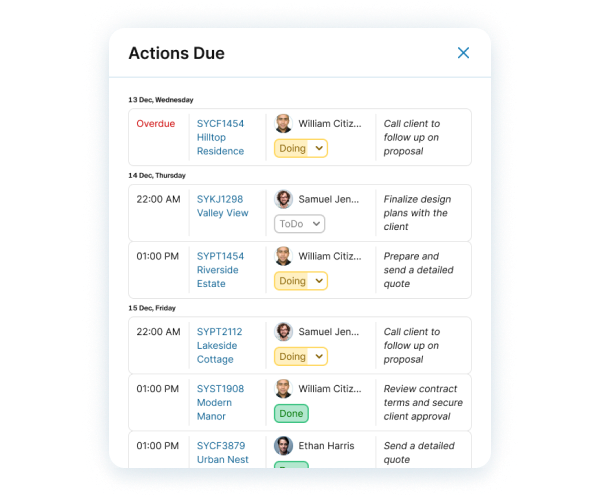
Add a follow-up action with an owner and a due date when you send a quote.
Actions show on the calendar, and each person can get a daily email of what's due, so no quote is forgotten.